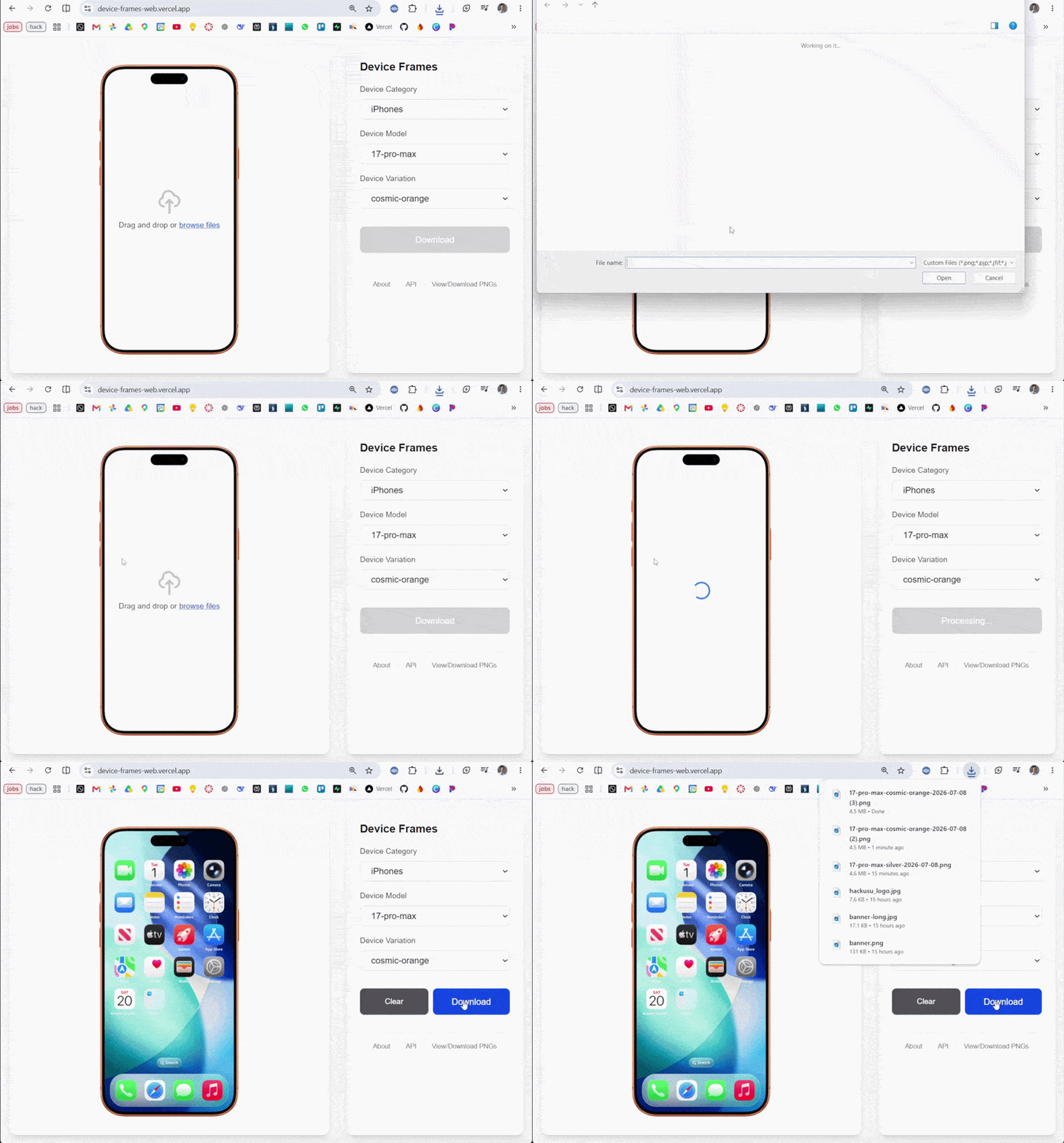
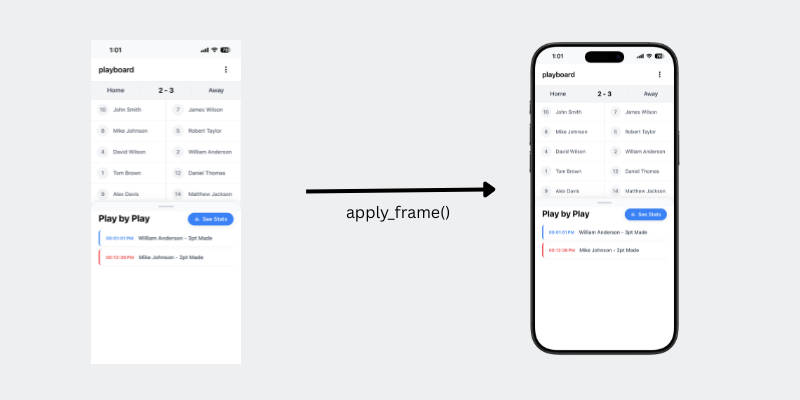
A small ecosystem of open-source tools for putting a screenshot inside a real device bezel (iPhone, iPad, Pixel, Galaxy, etc.) - as a Python function, a JS/Node function, a REST API, or a point-and-click web app.
Try it: device-frames-web.vercel.app
The pieces
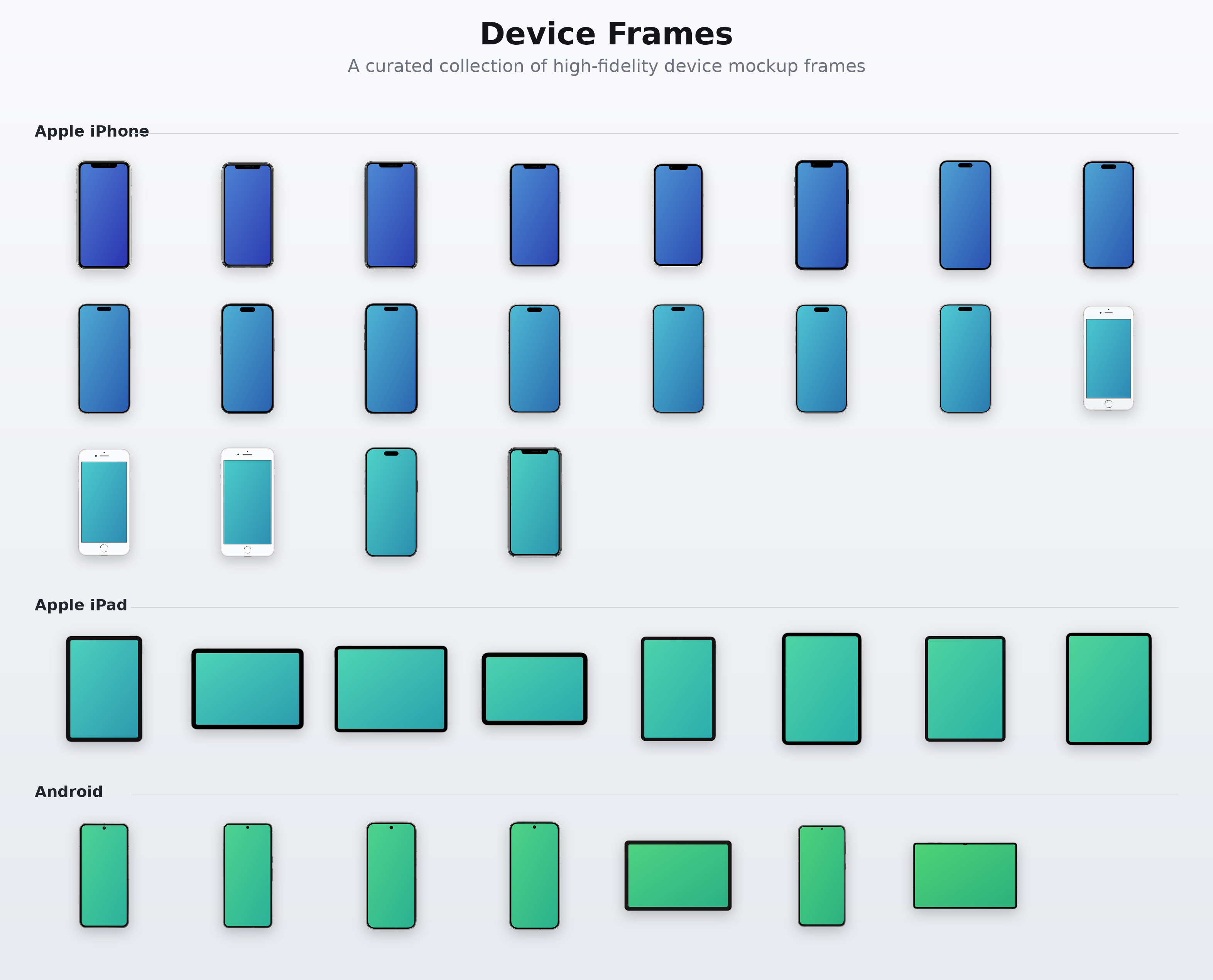
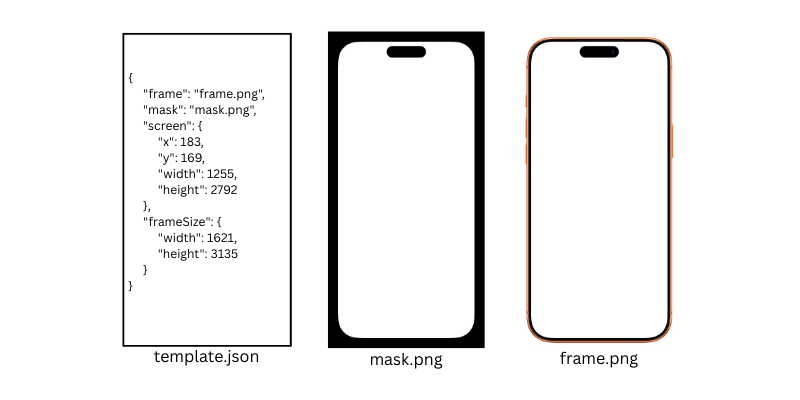
device-frames-media is the foundation - a growing library of frame/mask PNGs and JSON metadata (screen coordinates, frame size, hex color) for dozens of iPhone, iPad, Pixel, and Galaxy models. Everything else pulls its assets from here at runtime, so new devices show up everywhere without a version bump.
device-frames-core - Python library. repo is device-frames-core
pip install device-frames-core
device-frames
- the JS/Node port (npm package is named device-frames, repo is
device-frames-js
). Uses sharp for compositing.
npm install device-frames
API - a FastAPI wrapper around the Python library, for anyone who’d rather hit an HTTP endpoint than install a package. Hosted on fly.io. Docs at device-frames-api.fly.dev/docs . See it on GitHub
device-frames-web - the Next.js app at device-frames-web.vercel.app . Upload a screenshot, pick a device, download the framed result. Also has a browsable gallery of every frame/mask in device-frames-media.